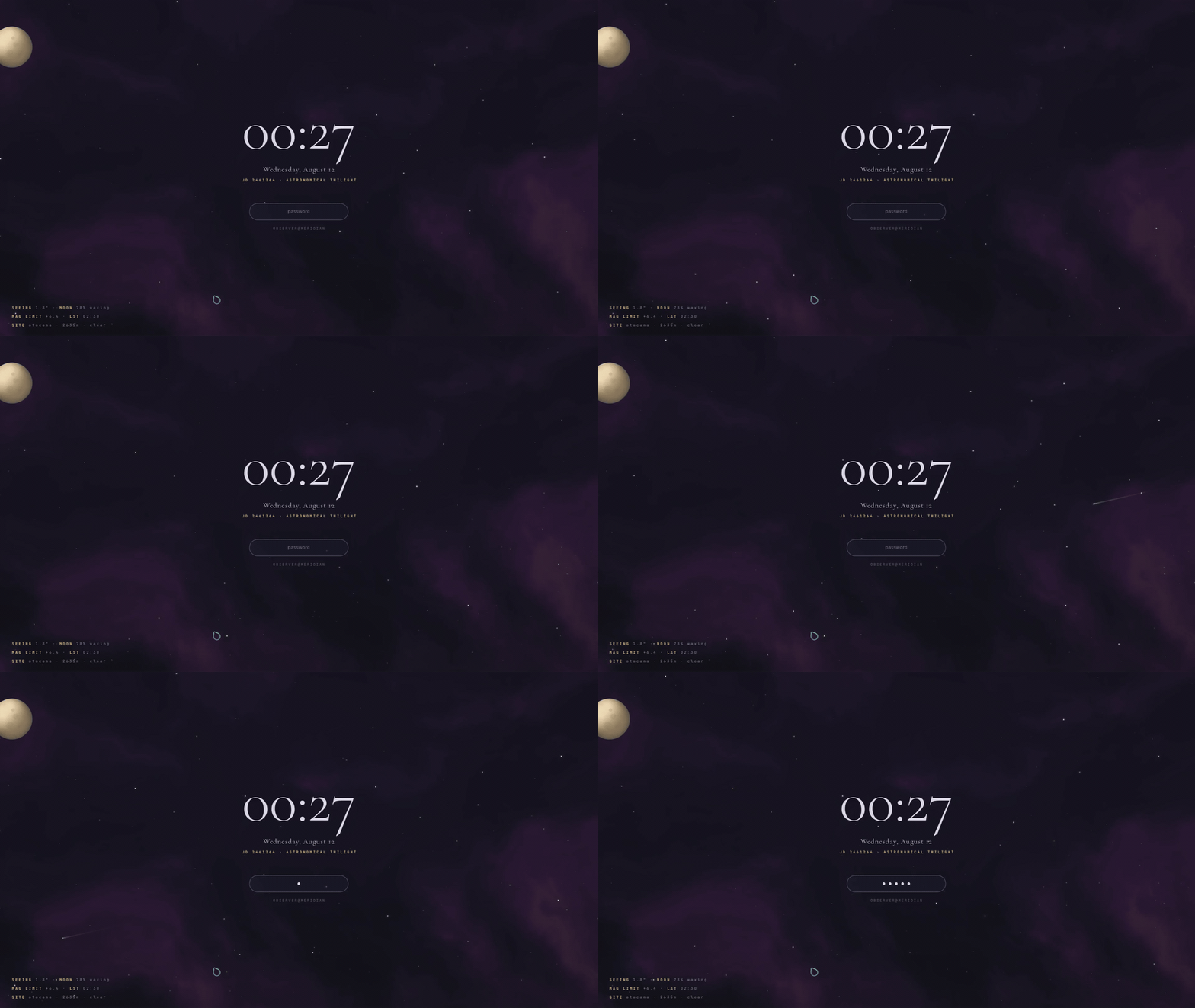
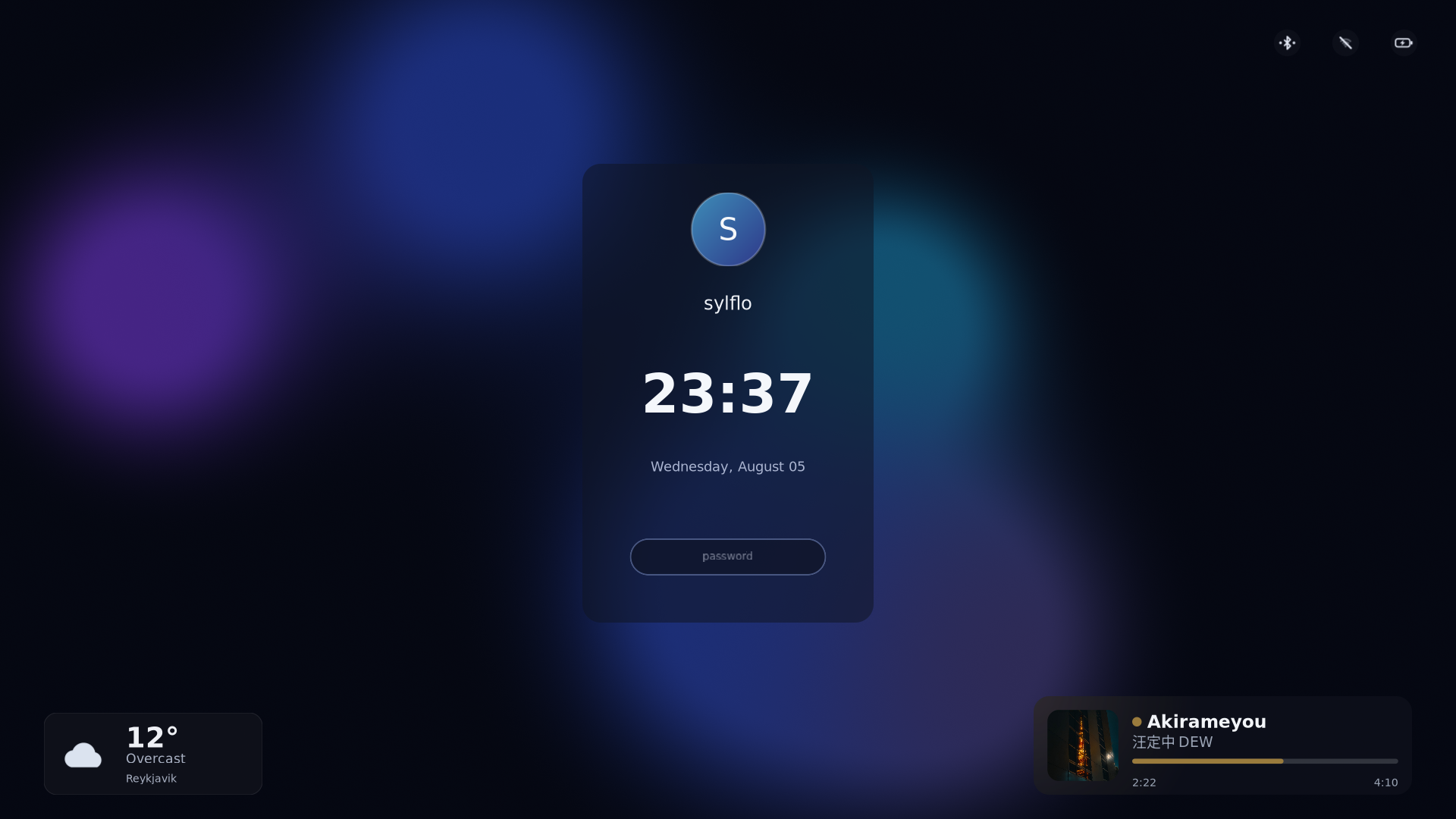
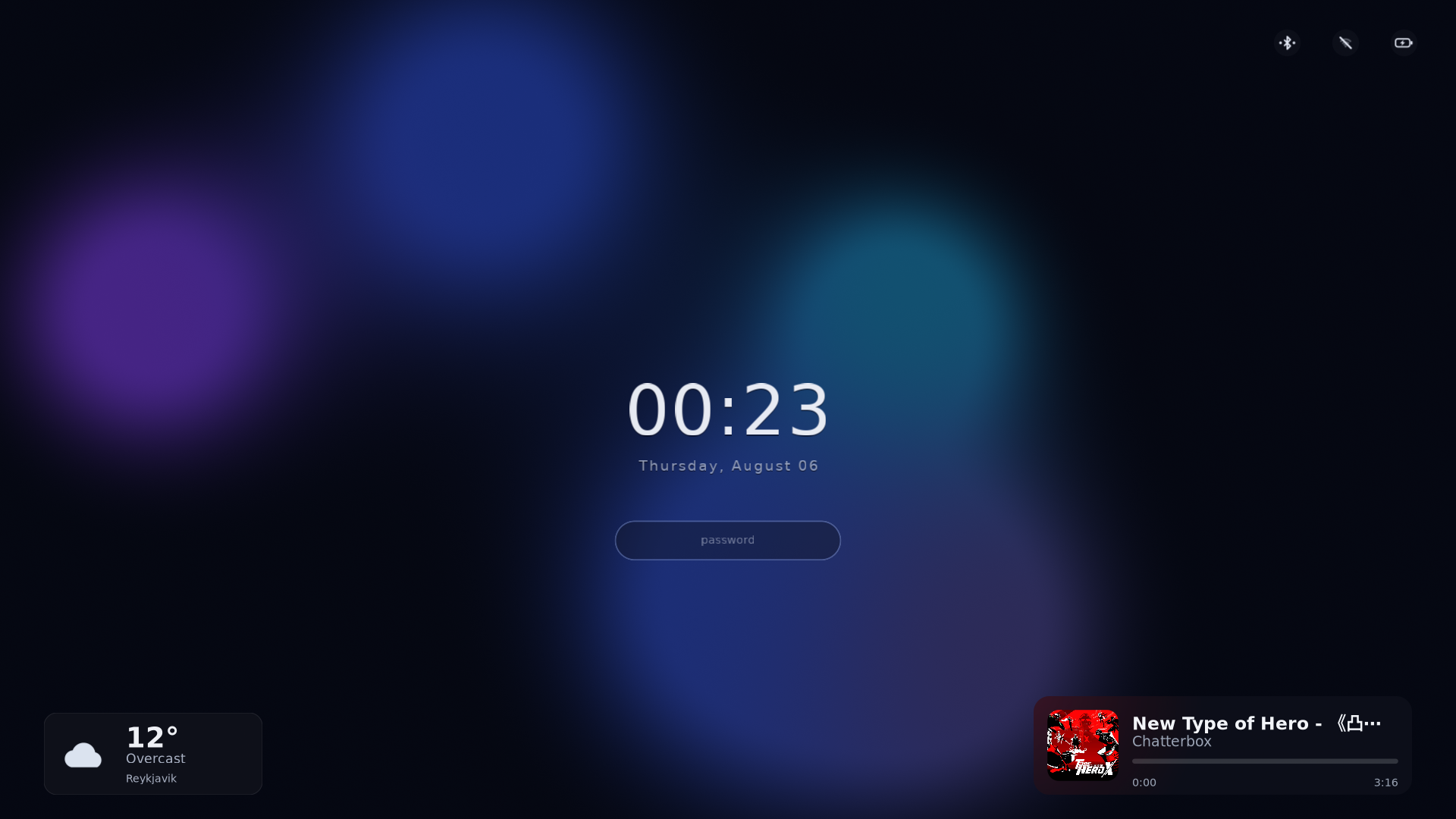
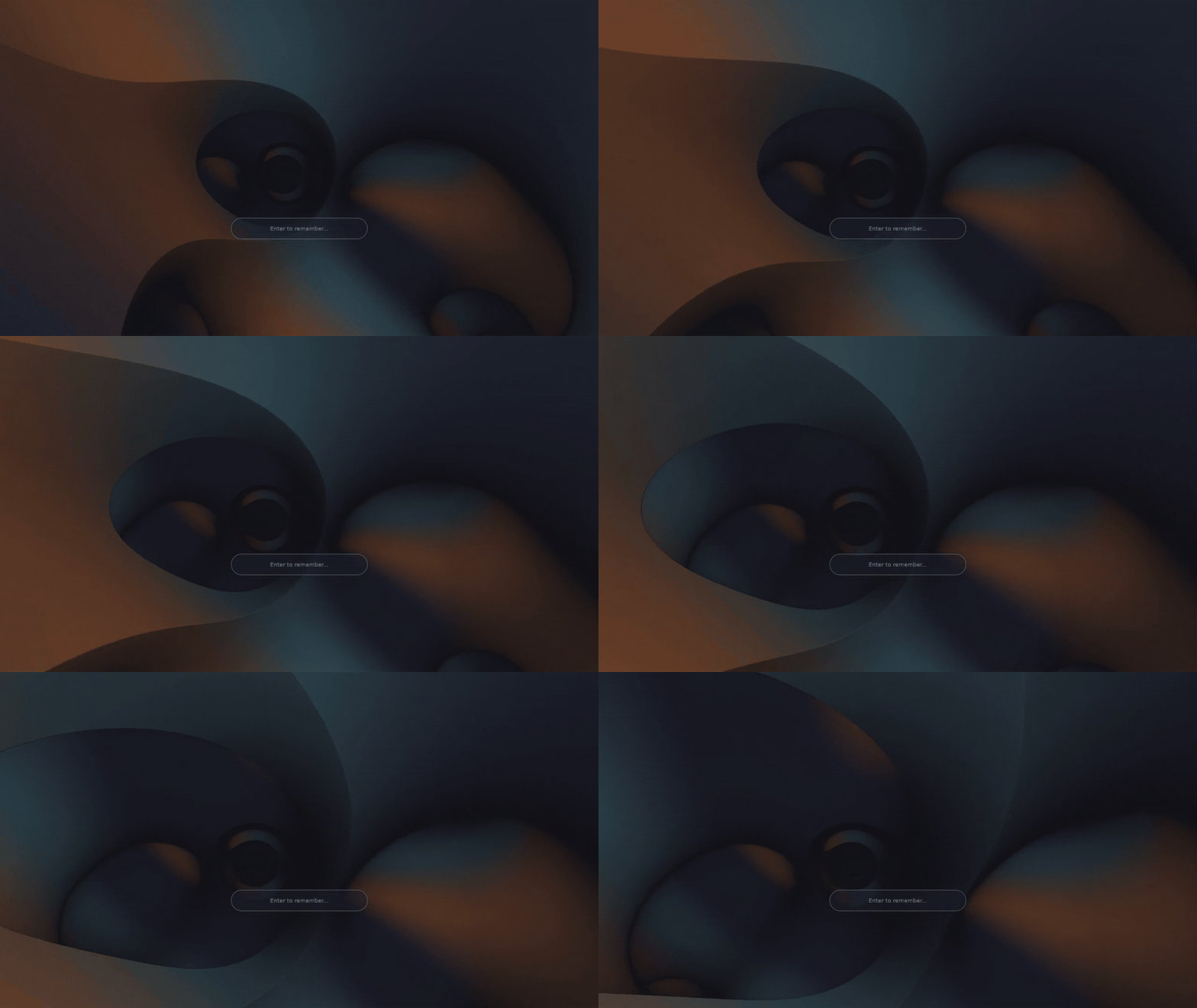
captures of real locked sessions, recorded with wf-recorder.
veiland is a GPU-accelerated Wayland locker composed from layers: wallpaper, particles, clock. Each one is a separate, isolated program. Stack them. Reorder them. Write your own.
captures of real locked sessions, recorded with wf-recorder.
A scene is a stack of plugins ordered by z_index, like layers in an image editor. Each plugin is its own process rendering into its own GPU buffer; the locker composites them and paints the password pill on top, always last.
Target layers at specific monitors, run a different scene on each output, swap a wallpaper for a shader without touching anything else. If a layer crashes, it disappears. The lock keeps running.
[password]
y_percent = 75

[[plugin]]
name    = "wallpaper"
binary  = "veiland-wallpaper"
z_index = 0
[plugin.config]
path = "/home/you/walls/dusk.jpg"

[[plugin]]
name    = "sakura"
binary  = "veiland-sakura"
z_index = 1

[[plugin]]
name     = "clock"
binary   = "veiland-markup"
z_index  = 2
monitors = ["DP-1"]  # this layer, one output only
[plugin.config]
text = "{time:%H:%M}"
Plugins render with their own OpenGL into DMA-BUF buffers the locker samples directly, with zero pixel copies through the CPU. Full-screen animation is the normal case, not a stress test.
Plugins are separate processes behind a deliberately narrow protocol: no message carries a keystroke, and no message maps to "unlock". The API surface is absent, not filtered. Auth stays in the core.
A plugin is just a program speaking a documented wire format over a Unix socket. Rust SDK in the box, but any language that can pass a file descriptor works.
The same plugin model does both. Run animated backgrounds on the GPU at your refresh rate, or a wallpaper and a few widgets that draw once and sit still. Neither is the "real" mode — pick per scene, or mix them in one.
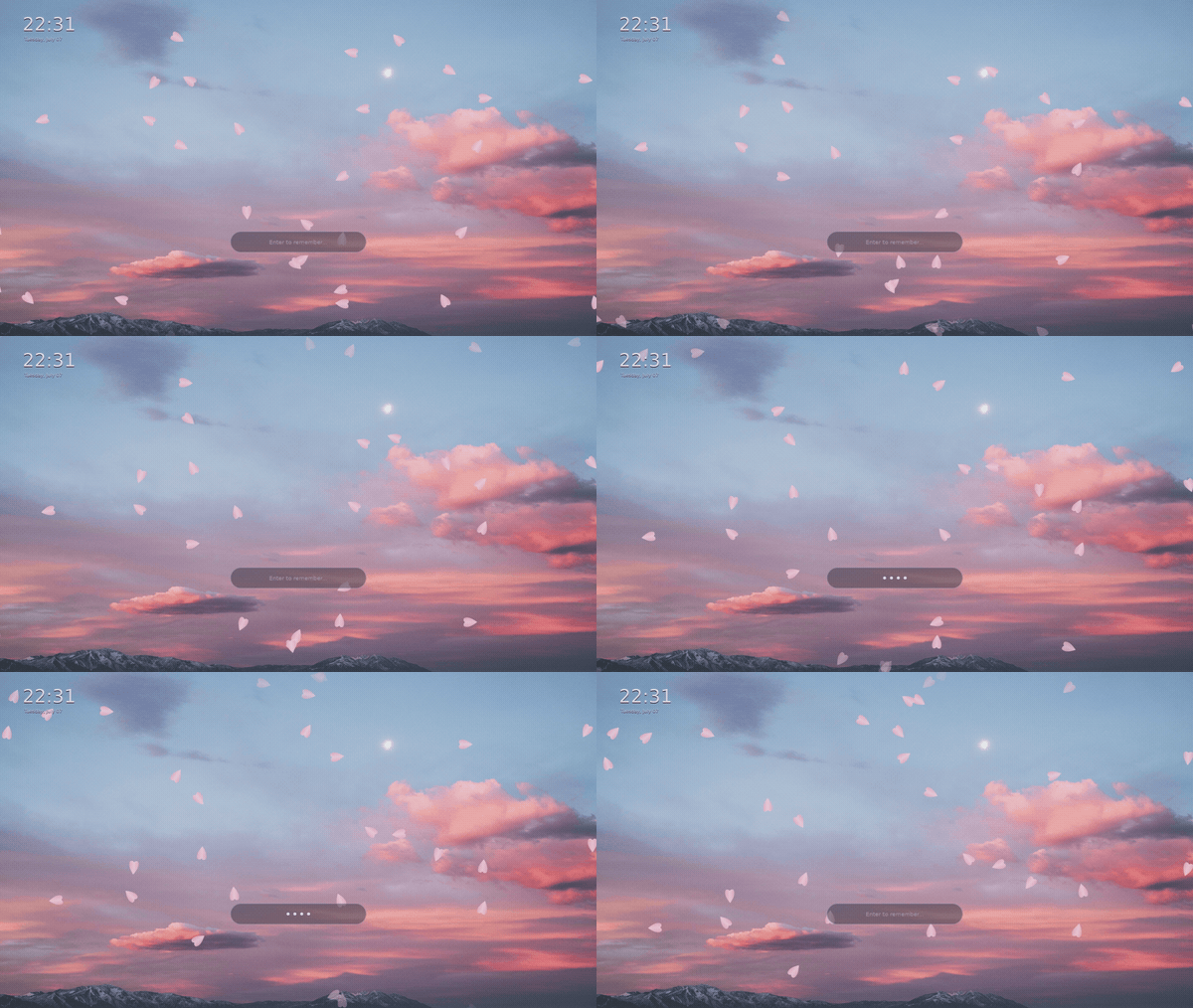 motion
Rendered live on the GPU, every frame, at your monitor's refresh rate. Petals drift, embers rise, a shader churns. Full-screen animation is the normal case, not a stress test.
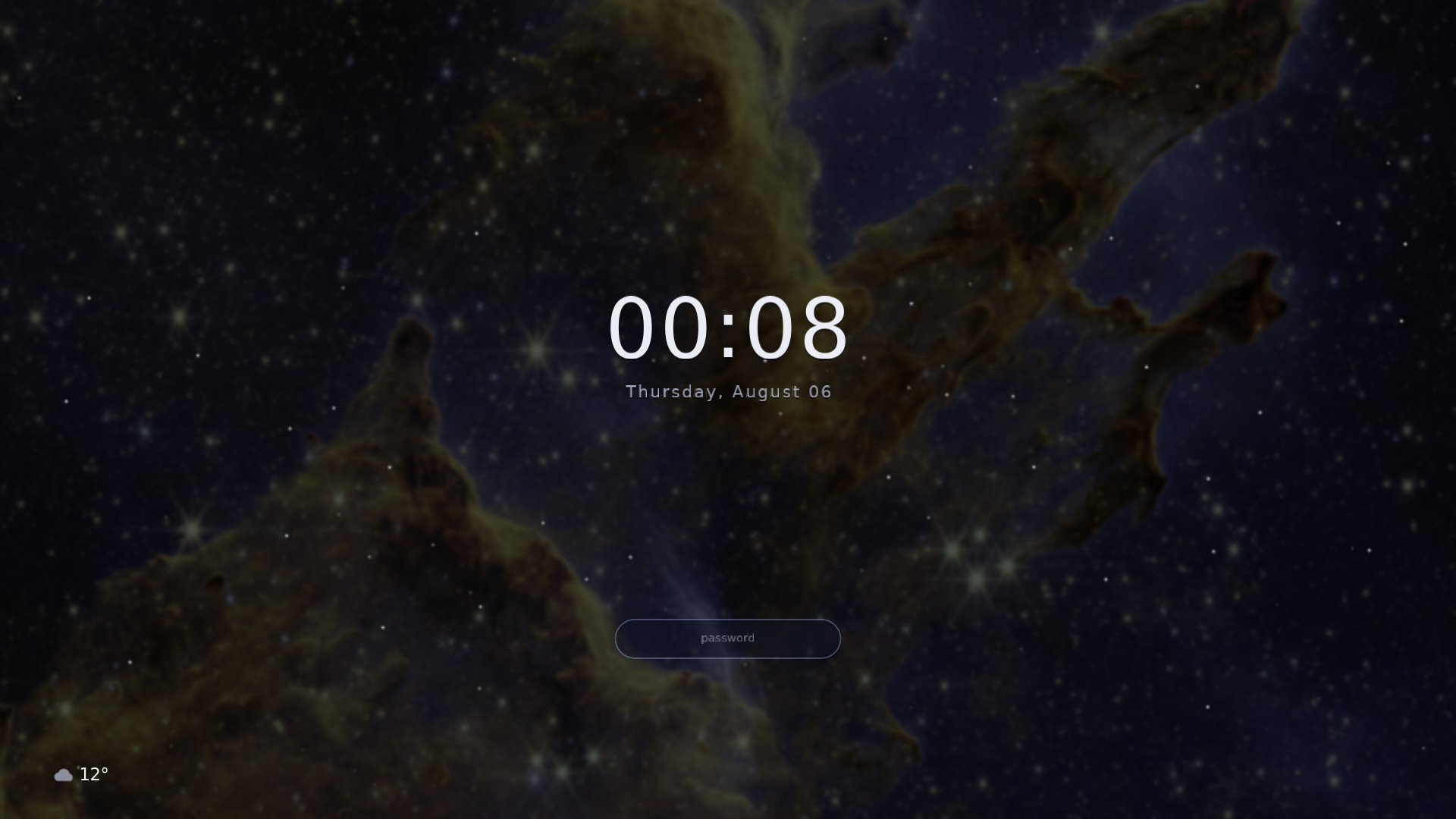 still
Draws once and idles — near-zero CPU, calm by design. A blurred wallpaper, a clock, a status cluster, an avatar. The composed, lived-with look, without a single moving pixel.
And they compose: a still card of widgets over a gently drifting background is one config away. Every scene below is somewhere on that line.
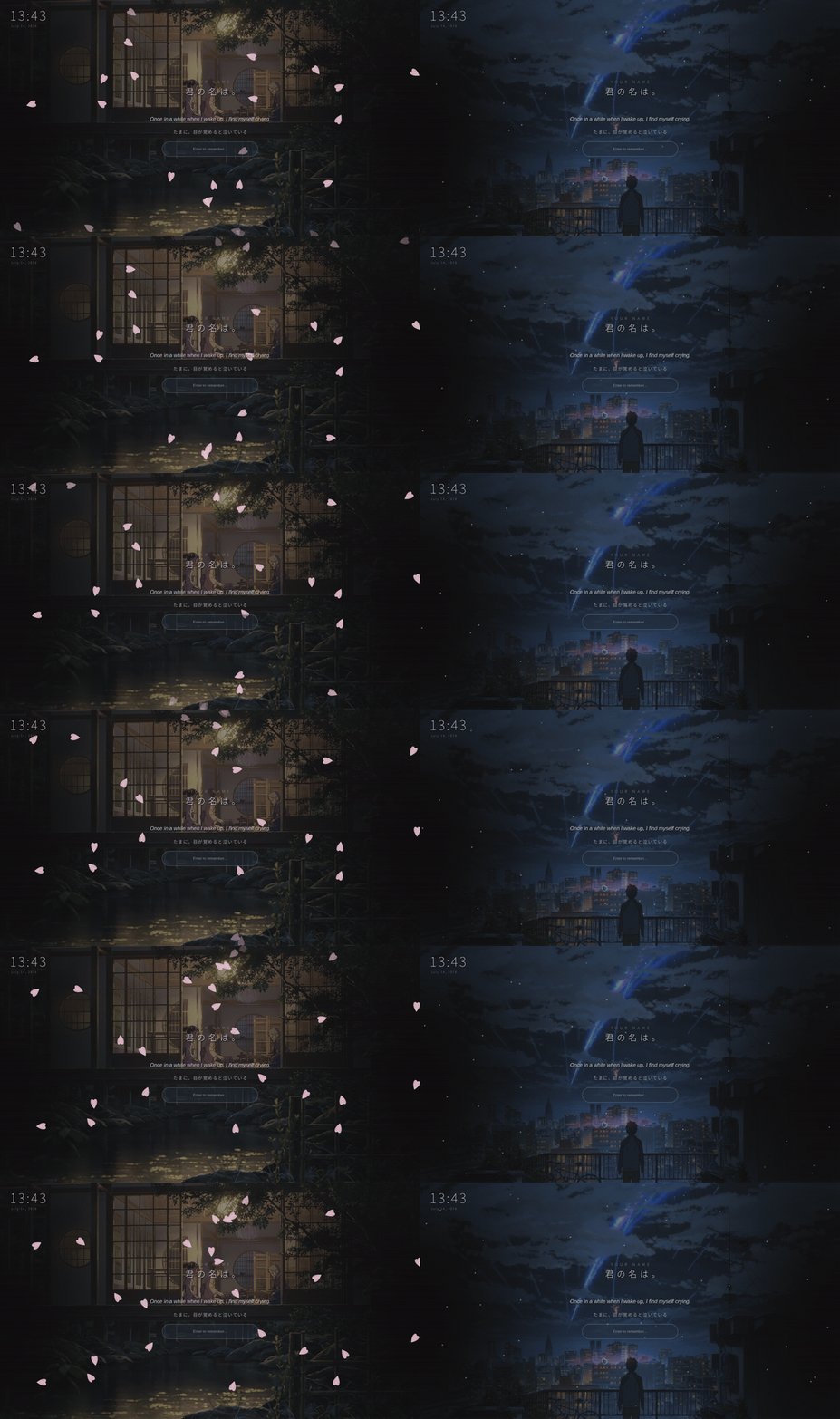
Scenes are full compositions: layers stacked into a finished lock screen, each one a single file in docs/examples/. Click one to see its config, copy it to ~/.config/veiland/config.toml, set your wallpaper path, lock.
view config
 view config
view config
view config
view config
real locked sessions, captured with wf-recorder. on your machine the scenes run on the GPU at your monitor's refresh rate. every plugin below also ships an example scene, so this shelf grows as the plugin list does.
Each plugin draws one kind of layer and reads its own [plugin.config] table. Click a card for its full property list. Every key is optional (omit it, the default applies), colors are 0.0-1.0 float arrays, and the schema belongs to the plugin: the core passes the table through verbatim, so your own plugin defines whatever properties it wants.
 view properties
 view properties
 view properties
 view properties
 view properties
 view properties
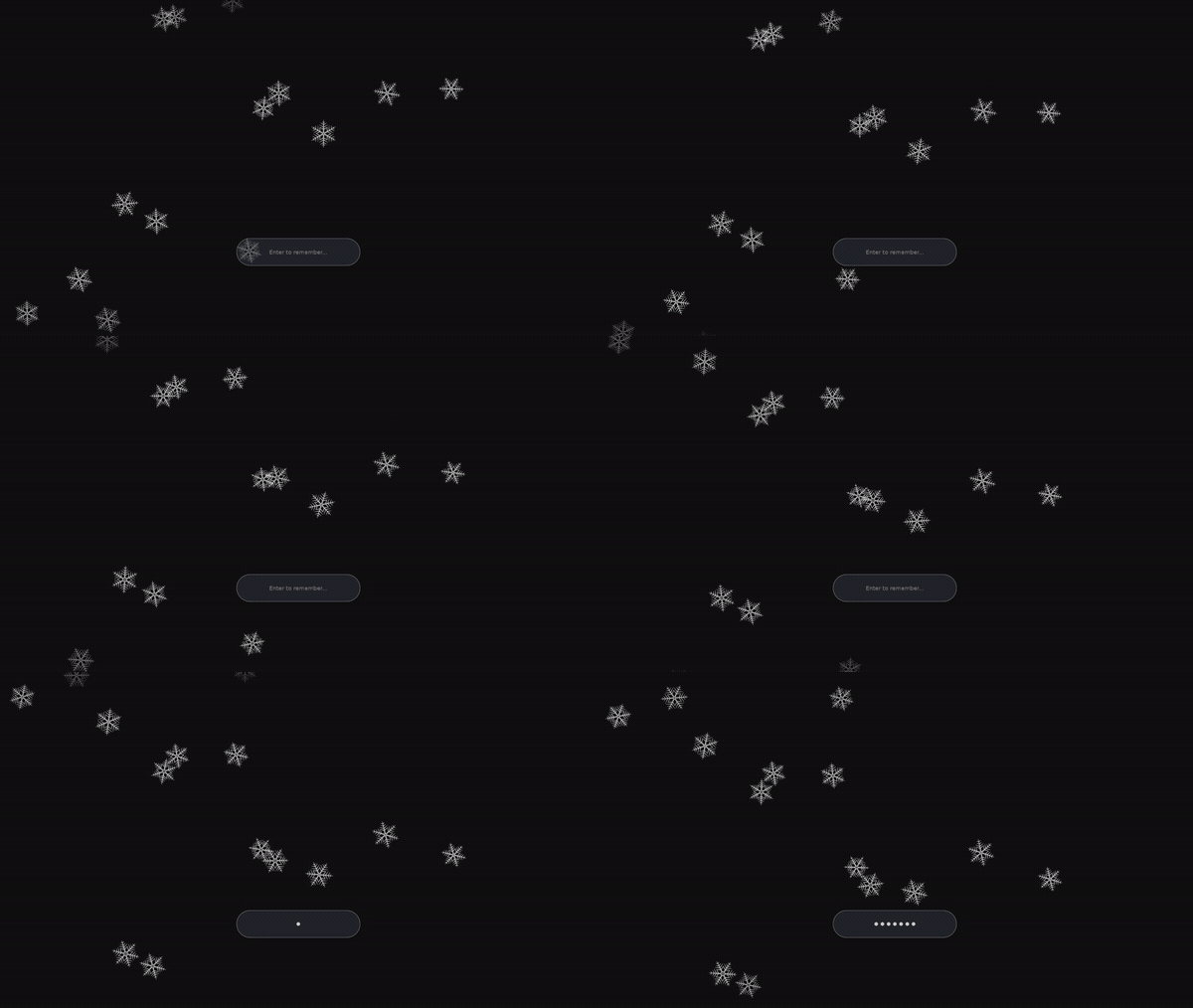 view properties
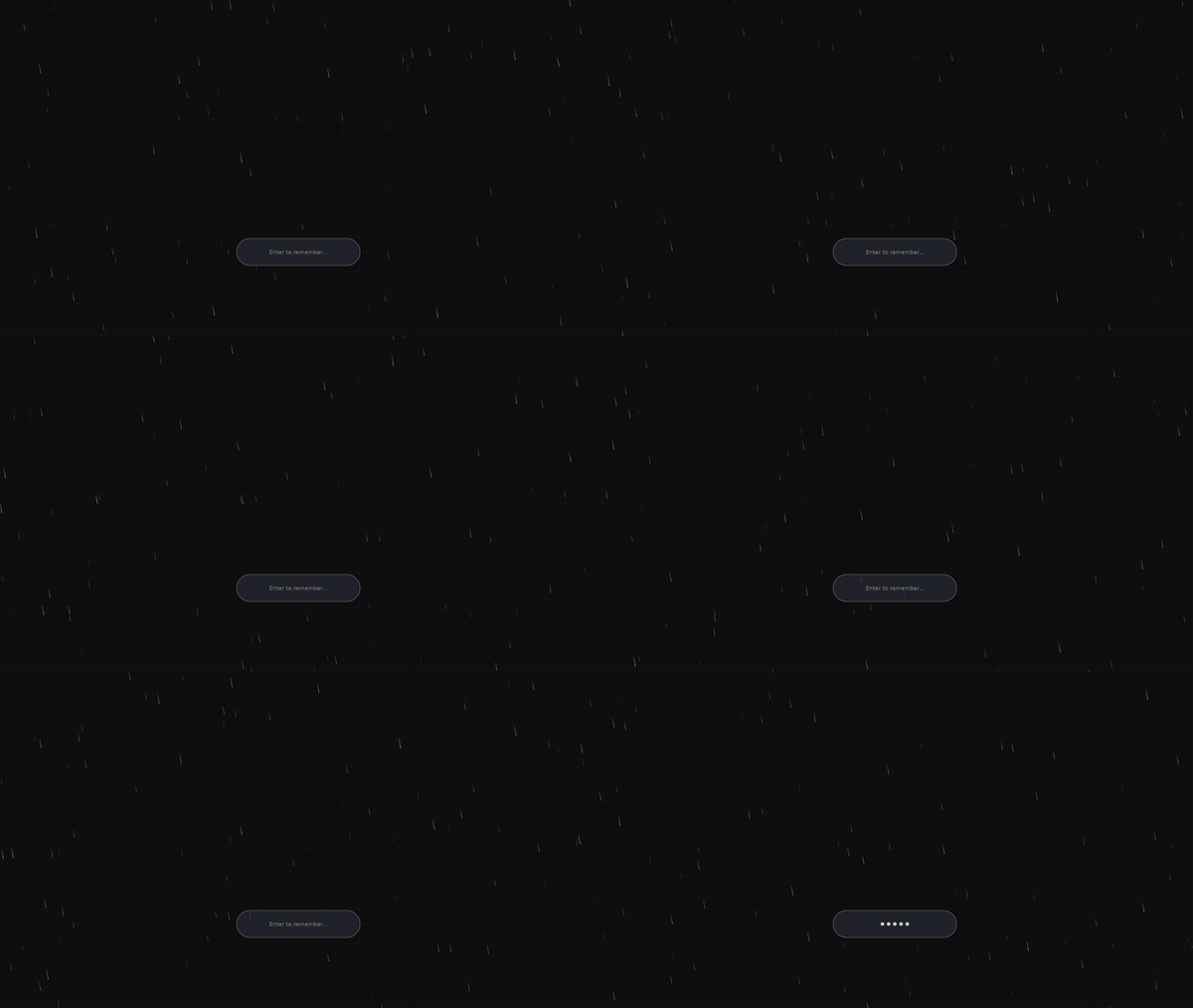 view properties
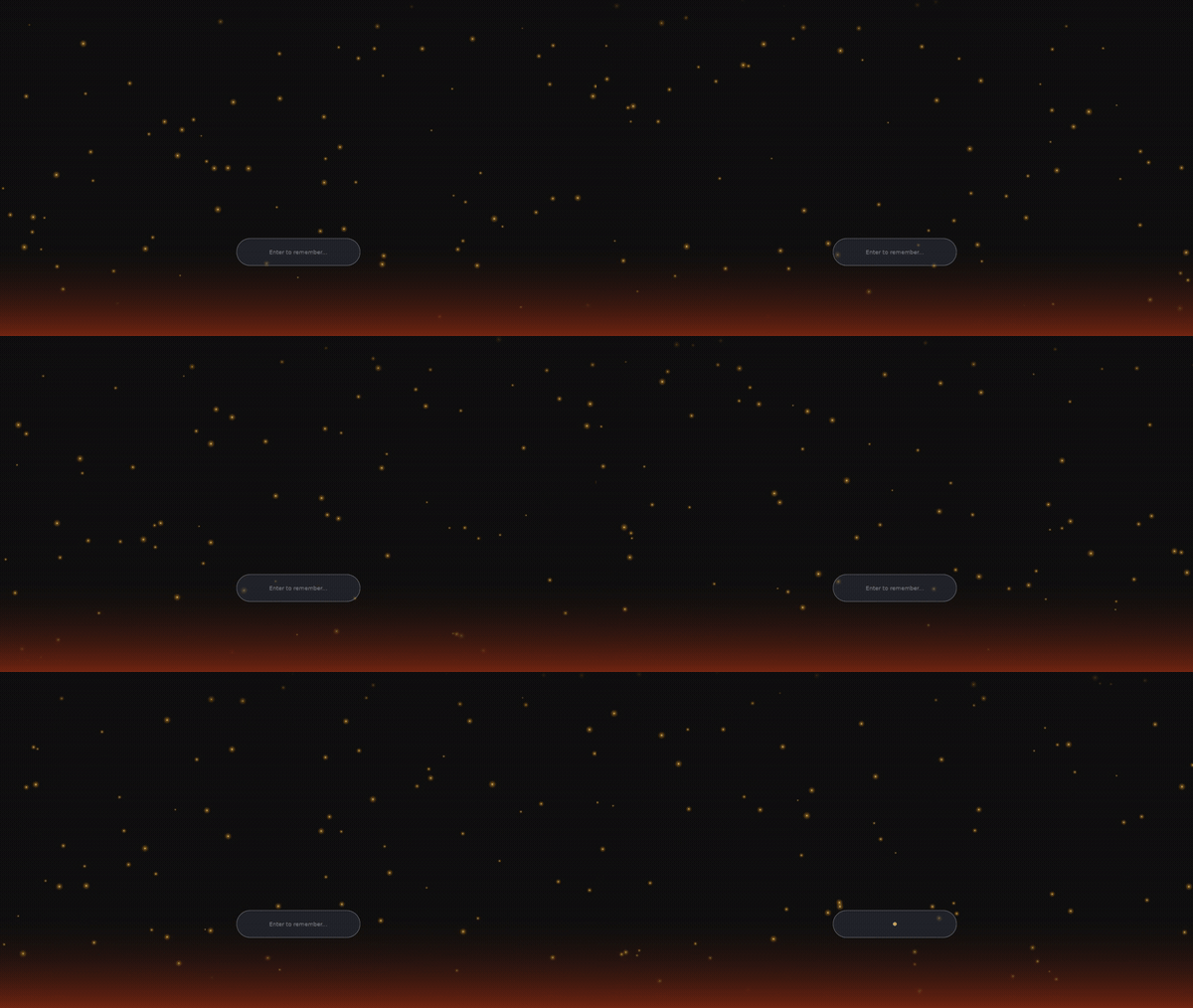 view properties
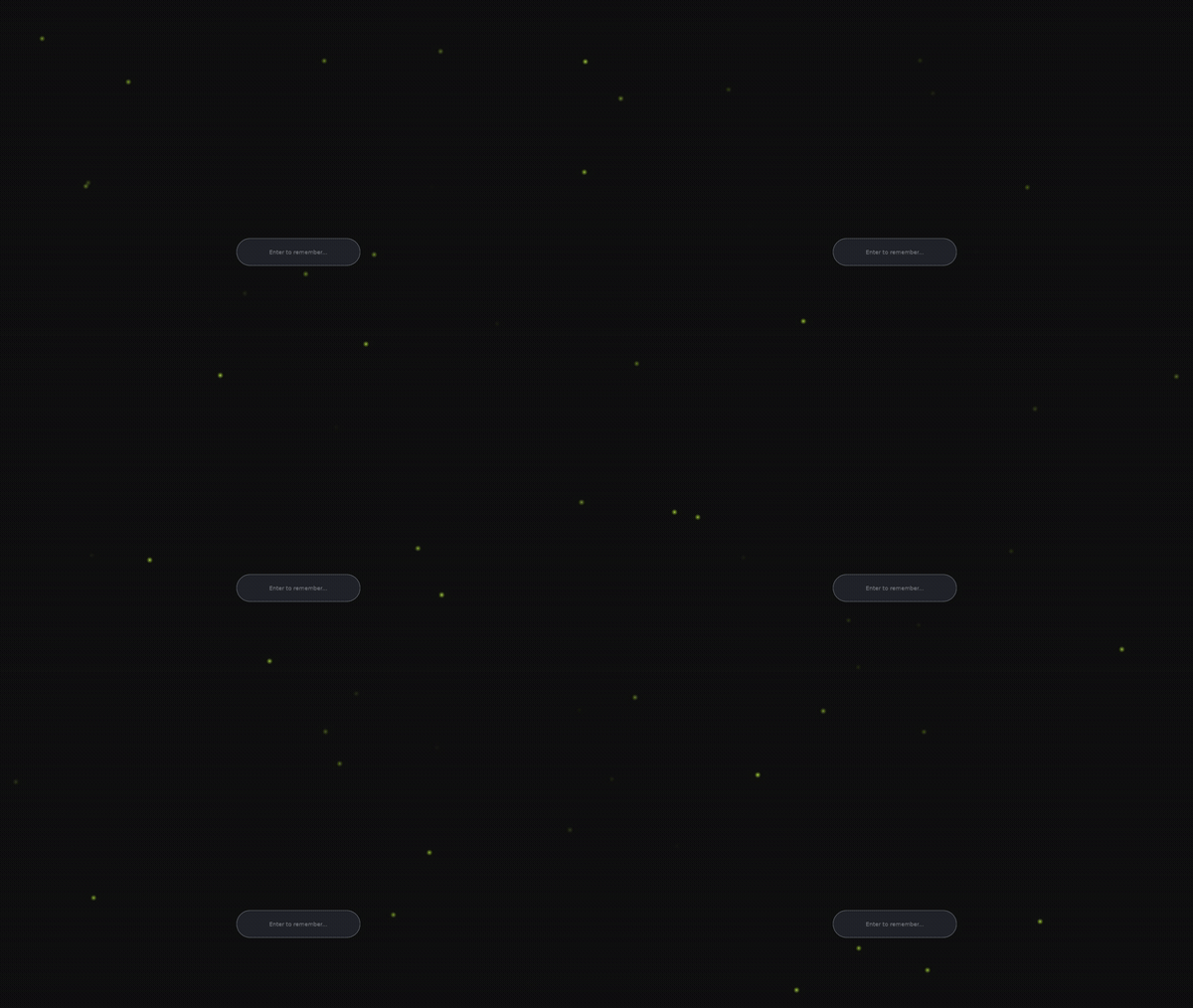 view properties
 view properties
 view properties
 view properties
 view properties
 view properties
 view properties
 view properties
 view properties
Displays one JPEG or PNG, stretched to fill its region. Any failure logs the reason and renders solid black. A wrong path never breaks the lock.
| key | type | default | meaning |
|---|---|---|---|
path | string | `""` | Absolute path to the image (no `~` expansion). JPEG/PNG, detected by content. |
blur | float | `0.0` | Gaussian blur strength over the whole surface. `0` is off and a hard no-op (the blur path is skipped entirely, so a plain wallpaper pays nothing). Rounded and clamped to `0`–`20` passes; values below `0.5` round to off. |
darken | float | `0.0` | Base dim (`0.0`–`1.0`) applied everywhere on top of the (possibly blurred) image. `0` = no dimming. Also the default per-region darken for any `blur_regions` entry that omits its own. |
blur_regions | array of tables | `[]` | Frosted "cards": rounded rectangles that add an extra tint on top of the globally blurred base. Each entry is `{ x, y, w, h, radius, darken }` (see below). Empty = just the global blur/darken. Up to 10; extras are dropped with a log. |
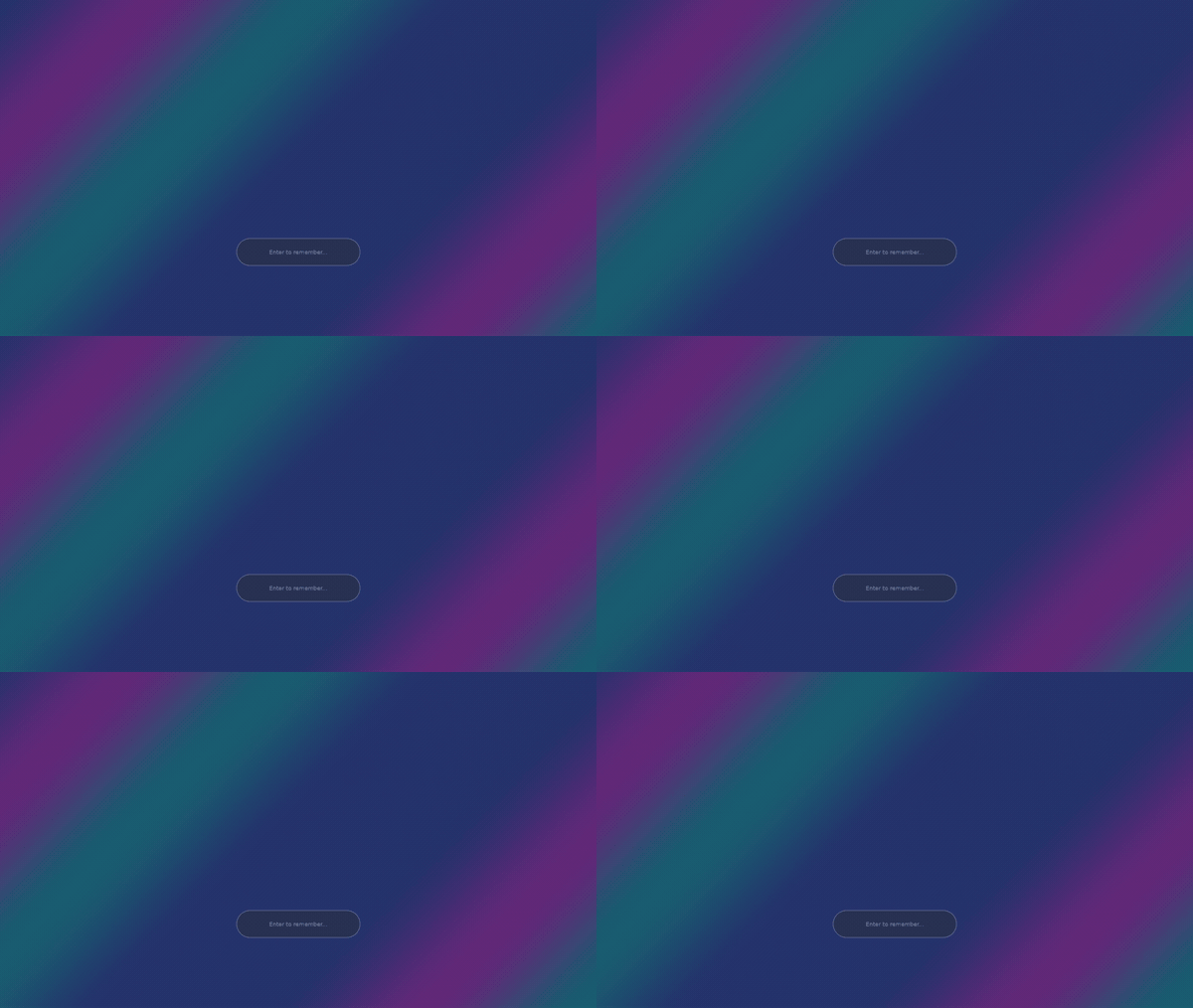
A slow-flowing, seamlessly looping multi-stop color gradient, optionally with a rotating axis.
| key | type | default | meaning |
|---|---|---|---|
colors | array of [r,g,b] | indigo, purple, teal | 2 to 4 ramp stops; extras beyond 4 are ignored. |
angle_deg | float | `45.0` | Gradient axis. `0` is left-to-right, positive rotates clockwise. |
speed | float | `0.25` | Ramp loop speed in cycles per minute (`0.25` is one loop every 4 minutes). `0` freezes it. |
rotate_deg_per_min | float | `0.0` | Axis rotation in degrees per minute. `0` keeps the axis fixed. Clamped to plus or minus 360. |
scale | float | `0.75` | Ramp lengths per screen height. Smaller means broader, softer bands. Clamped to 0.05 to 10. |
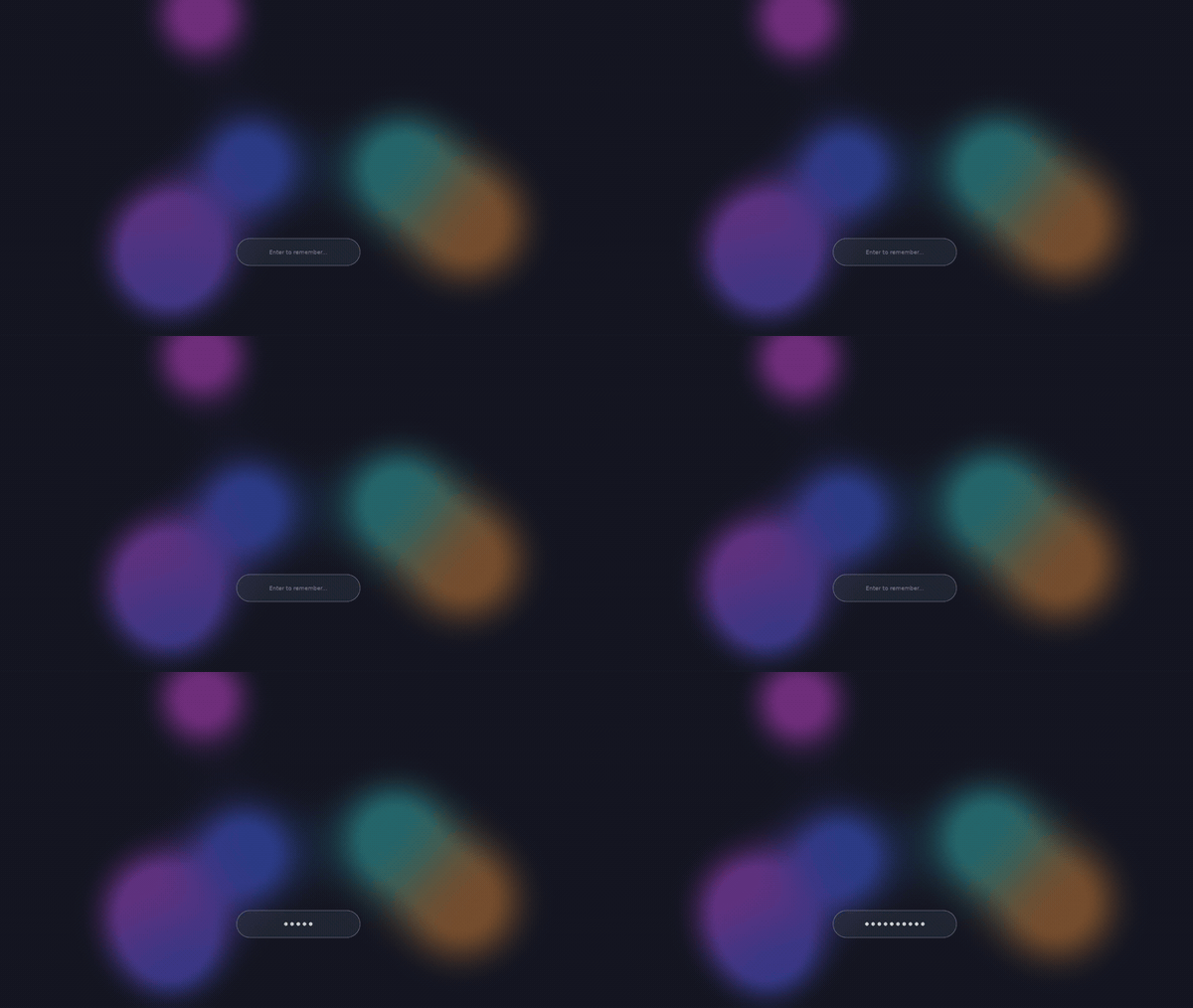
Large soft metaballs drifting on slow orbits over a dark background. The lava-lamp look.
| key | type | default | meaning |
|---|---|---|---|
colors | array of [r,g,b] | blue, magenta, teal, amber | Blob palette, 1 to 8 colors, cycled across blobs. |
background | [r,g,b] | `[0.02, 0.03, 0.08]` | The color the blobs float over. |
count | integer | `6` | Number of blobs. Clamped to 1 to 8. |
size | float | `0.25` | Base blob radius as a fraction of screen height; each blob varies about 30% around it. Past roughly 0.35 the field saturates. |
speed | float | `1.0` | Drift-speed multiplier; `1.0` is one slow orbit over a couple of minutes, `0` freezes the field. Clamped to 0 to 10. |
softness | float | `0.6` | Edge falloff. Lower gives tighter cores and darker gaps, higher gets hazier until blobs wash together. Clamped to 0.25 to 4. |
seed | integer | `2654435769` | Layout and motion seed; change it for a different arrangement. |
A slow camera drift through infinite raymarched gyroid tunnels. Also the built-in default scene when no config file exists.
| key | type | default | meaning |
|---|---|---|---|
colors | array of [r,g,b] | indigo, amber, teal | 2 to 4 palette stops; the first also tints the fog. |
speed | float | `1.0` | Drift speed; `1.0` crosses one tunnel cell every ~18 s, `0` freezes the camera. Clamped to 0 to 10. |
fov_deg | float | `70.0` | Vertical field of view in degrees. Clamped to 30 to 110. |
fog | float | `1.0` | Fog-density multiplier. Very low values also reveal the far draw boundary, so they are not recommended. Clamped to 0 to 4. |
render_scale | float | `0.5` | Internal resolution as a fraction of the region; the host upscales. `0.5` costs a quarter of the rays of native. |
max_fps | float | `30.0` | Frame-rate cap. `0` means uncapped (compositor rate). Clamped to 0 to 240. |
Runs a Shadertoy-convention GLSL fragment shader, either one of seven shipped presets or your own file, as a full-region animated layer.
| key | type | default | meaning |
|---|---|---|---|
preset | string | `"nebula"` | One of the shaders compiled into the binary: `nebula`, `deepfield`, `starfield`, `moon`, `meteor`, `warp`, `plasma`. Ignored when `path` is set. |
path | string | unset | A `.frag` file of your own to run instead of a preset. Wins over `preset` when both are set. Files above 1 MiB, unreadable, empty, or not valid UTF-8 are refused. |
opacity | float | `1.0` | At `1.0` the layer is opaque and the shader's alpha is ignored. Below `1.0` the shader's own alpha is honoured and scaled by this value, so the layer composites over whatever sits under it. Clamped to 0 to 1. |
render_scale | float | `1.0` | Internal resolution as a fraction of the region; the host upscales. `0.5` costs a quarter of the pixels. Clamped to 0.1 to 1. |
max_fps | float | `30.0` | Frame-rate cap. `0` means uncapped (compositor rate). Clamped to 0 to 240. |
loop_seconds | float | `0` | When above 0, `iTime` wraps at this many seconds instead of counting up forever. Set it to a shader's natural period to make it loop seamlessly, or to any few-minute value if a long lock makes the animation stutter (`iTime` is a float, and it loses precision once it reaches the tens of thousands). `0` leaves it running freely, as on Shadertoy. Unrelated to `max_fps`, which caps frames rather than time. Clamped to 0 to 86400. |
Darkens the corners, and optionally the whole frame, with a soft radial gradient. Static, and costs nearly nothing.
| key | type | default | meaning |
|---|---|---|---|
color | [r,g,b,a] | `[0.10, 0.14, 0.20, 1.0]` | Vignette tint; the alpha is a master intensity multiplier. |
opacity_top_left | float | `0.6` | Strength of the top-left corner. |
opacity_top_right | float | `0.6` | Strength of the top-right corner. |
opacity_bottom_left | float | `0.7` | Strength of the bottom-left corner. |
opacity_bottom_right | float | `0.7` | Strength of the bottom-right corner. |
radius | float | `0.7` | How far each corner's shading reaches toward the center, as a fraction of the half-diagonal. |
base_opacity | float | `0.0` | Uniform dim over the whole frame, under the corners. `0.15` to `0.3` gives a soft haze; `0` is the classic corners-only look. |
Three depth layers of soft bokeh circles drifting at different speeds. A subtle depth cue over any background, fully procedural.
| key | type | default | meaning |
|---|---|---|---|
color | [r,g,b,a] | `[1.0, 1.0, 1.0, 0.2]` | Circle color; the alpha is the master opacity of the whole effect. |
size_px | float | `80.0` | Max circle radius of the near layer, in logical px; the deeper layers scale down from it. Clamped to 4 to 512. |
density | float | `0.5` | Fraction of the layout grid that holds a circle, 0 to 1. |
speed | float | `8.0` | Near-layer drift in px/s; deeper layers move slower. Clamped to 0 to 200. |
angle_deg | float | `30.0` | Drift direction; `0` is rightward, `90` is upward. |
softness | float | `0.5` | Edge feather as a fraction of the radius. `1.0` is fully soft bokeh, small values give crisp dots. Clamped to 0.02 to 1. |
seed | integer | `2654435769` | Layout seed; change it to reshuffle all three layers. |
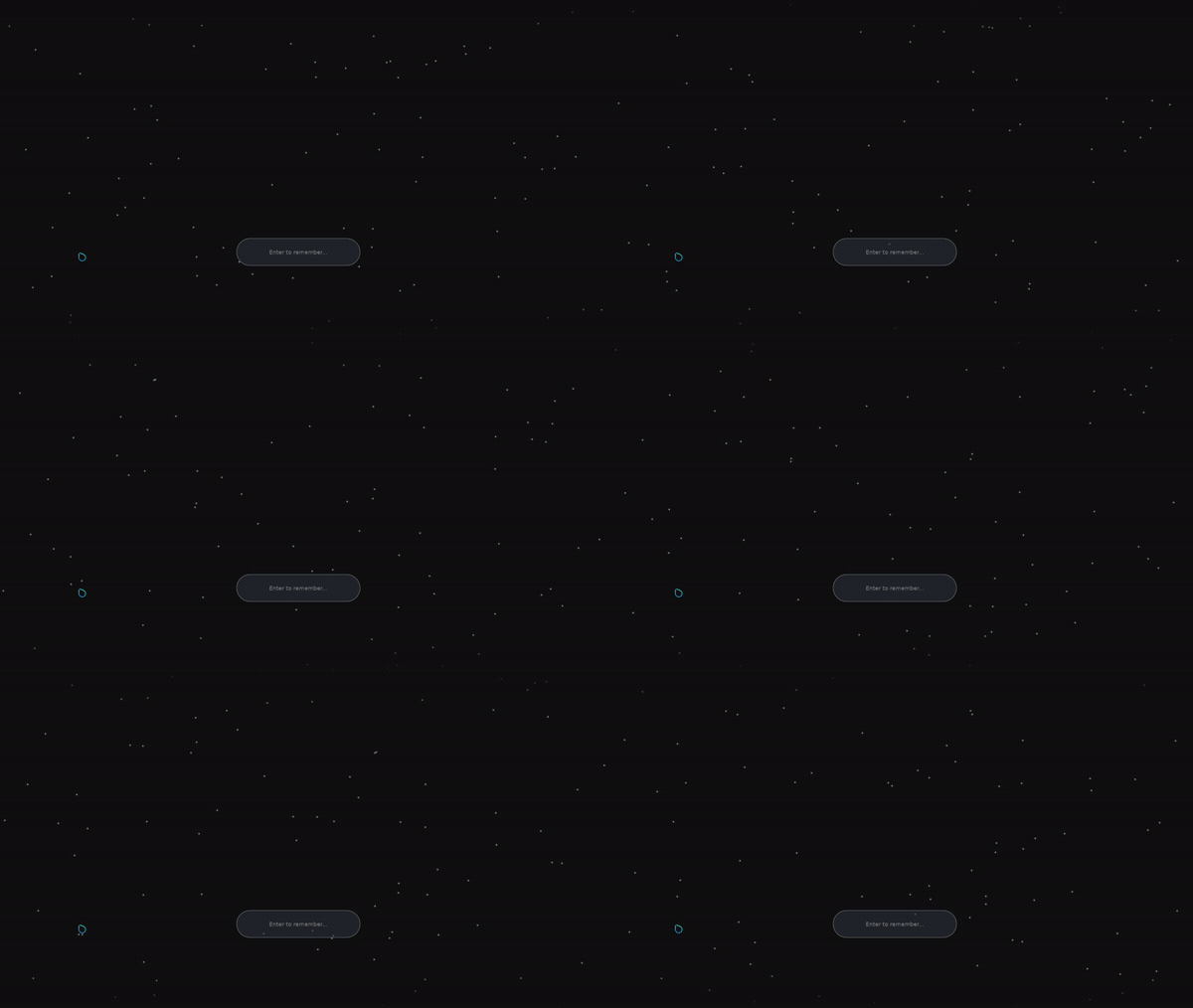
Small soft glowing motes drifting slowly upward, the only riser in the particle family.
| key | type | default | meaning |
|---|---|---|---|
count | integer | `40` | Number of motes. |
color | [r,g,b,a] | `[1.0, 1.0, 1.0, 0.5]` | Mote color. |
radius_px | float | `0.4` | Core radius in logical px. Deliberately tiny; a soft glow halo about 3x the core does the visible work, so small changes go a long way. |
twinkle | bool | `false` | Pulse each mote's brightness in and out, so the field shimmers instead of glowing steadily. Off = constant brightness. |
twinkle_speed | float | `1.4` | Pulse rate in radians/second (only used when `twinkle` is on). Higher = faster shimmer. |
twinkle_depth | float | `0.6` | How far the pulse dims a mote below its peak, `0.0`–`1.0` (only used when `twinkle` is on). This is the "how noticeable" lever: `0` is imperceptible, `1` fades fully to dark. |
Falling, swaying, tumbling cherry-blossom petals, drawn from a built-in petal texture.
| key | type | default | meaning |
|---|---|---|---|
count | integer | `25` | Number of petals. |
color | [r,g,b,a] | `[1.0, 1.0, 1.0, 1.0]` | A tint multiplied into the petal texture; the petals are already pink, so white means as-is. Lower the alpha to fade the whole field. |
size_px | float | `22.0` | Petal size in logical px. |
A few large procedural snow crystals: six-fold dendritic flakes, each uniquely shaped, drifting down with a slow tumble.
| key | type | default | meaning |
|---|---|---|---|
count | integer | `12` | Number of crystals. Deliberately low, the detail needs room. |
color | [r,g,b,a] | `[1.0, 1.0, 1.0, 0.9]` | Crystal color. |
radius_px | float | `60.0` | Crystal radius in logical px. Below ~40 the fern structure collapses into a dot; this effect wants few and large, not a dense flurry. |
Wind-slanted rain streaks with depth: near drops are longer, faster, and brighter than far ones.
| key | type | default | meaning |
|---|---|---|---|
count | integer | `90` | Number of drops. Rain is a volume, so the default is the densest in the family. |
color | [r,g,b,a] | `[0.72, 0.80, 0.95, 0.65]` | Drop color (cool translucent blue-grey); alpha sets the brightness of the nearest drops. |
length_px | float | `36.0` | Streak length in logical px for the nearest drops; farther drops shrink automatically. |
slant_deg | float | `10.0` | Shared wind angle in degrees from vertical; positive leans the fall rightward. All drops share it, so the rain falls as a coherent sheet. |
A warm glow band along the bottom edge with bright sparks rising, curving, and fading as they climb.
| key | type | default | meaning |
|---|---|---|---|
count | integer | `80` | Number of sparks. |
spark_color | [r,g,b,a] | `[1.0, 0.65, 0.10, 1.0]` | Spark color (hot core; the halo reuses it dimmer). |
glow_color | [r,g,b] | `[0.80, 0.18, 0.02]` | Color of the bottom glow band. Three components, no alpha; the band's strength and height (bottom ~30% of the region) are fixed. |
Softly glowing lights wandering on lazy paths, each blinking on its own rhythm.
| key | type | default | meaning |
|---|---|---|---|
count | integer | `25` | Number of fireflies. |
color | [r,g,b,a] | `[0.72, 1.0, 0.18, 0.95]` | Glow color (warm yellow-green); alpha is the peak flash brightness. |
radius_px | float | `2.5` | Core radius in logical px; the visible halo extends about 4x beyond it. |
flash_sharpness | float | `0.4` | Blink character, 0 to 1: `0` is gentle continuous pulsing, `1` is brief sharp flashes with long dark gaps. |
The user's picture cover-cropped into a disc (or rounded square), or a tinted initials disc when no picture is found. Zero-config: reads your account picture automatically.
| key | type | default | meaning |
|---|---|---|---|
name | string | your full name | Seeds the initials letter and the disc's tint. Defaults to your GECOS full name, then `$USER`, then `there`. |
avatar | string | `~/.face` | Path to a picture (`~` expanded), cover-cropped into the disc. Missing or unreadable falls back to `~/.face`, then to a tinted initials disc. |
shape | string | `"circle"` | Disc outline: `circle` or `rounded` (a rounded square). |
ring_color | [r,g,b,a] | `[1.0, 1.0, 1.0, 0.22]` | Thin rim around the disc. Alpha `0` draws no ring. |
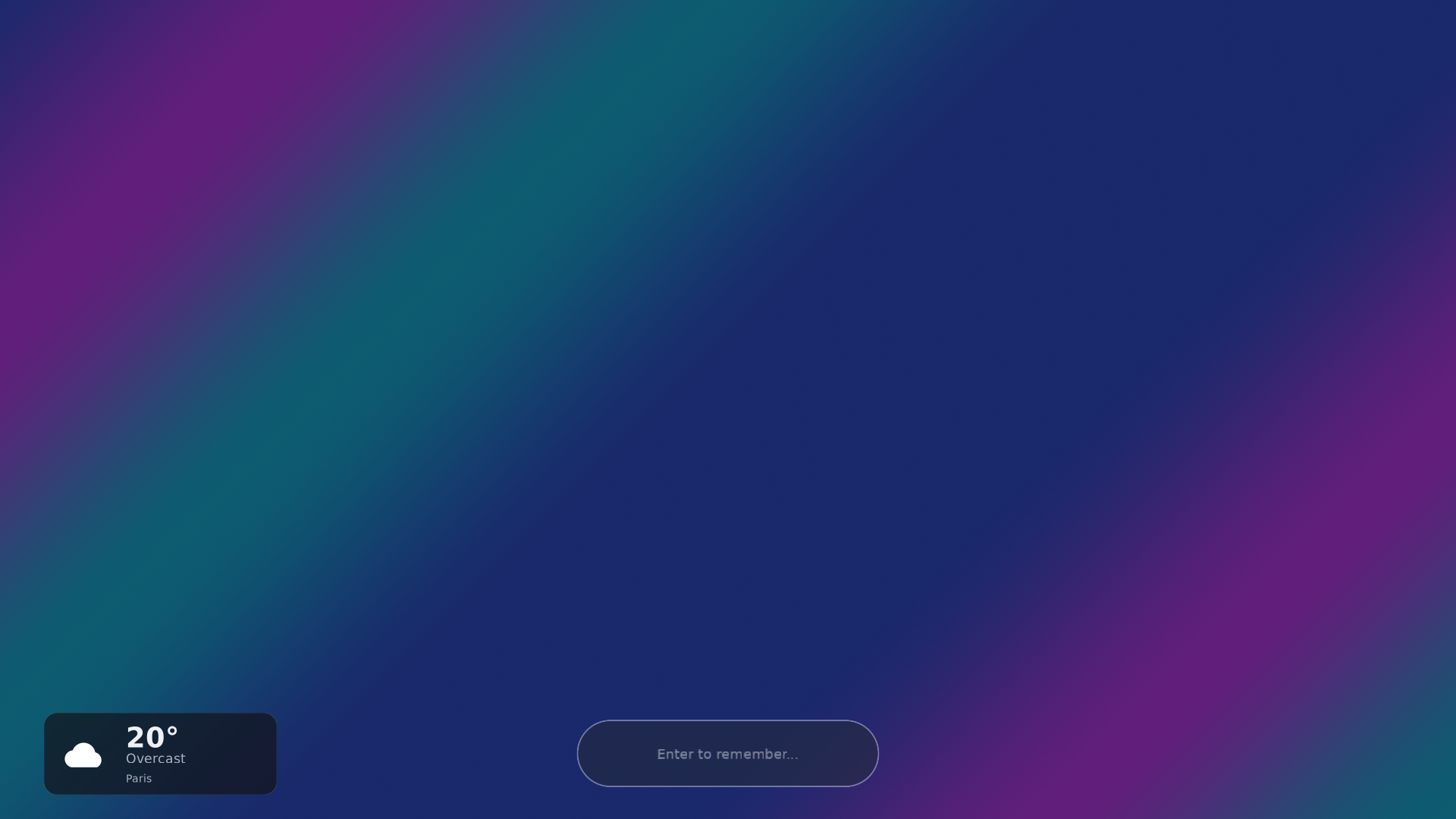
Current conditions and temperature from Open-Meteo (keyless), drawn as a glass card or a compact status pill. Read-only; the network fetch is cached and kept off the render path.
| key | type | default | meaning |
|---|---|---|---|
layout | string | `"card"` | `card` (a bottom-corner glass card) or `pill` (a compact status-pill glyph + temperature). |
units | string | `"celsius"` | Display unit: `celsius` or `fahrenheit`. |
location | string | none | City name, geocoded once at startup (a privacy-friendlier alternative to raw coordinates). Ignored if `latitude`/`longitude` are set. |
latitude | float | none | Explicit latitude (−90..90). Requires `longitude` too; wins over `location`. A partial or out-of-range pair is ignored. |
longitude | float | none | Explicit longitude (−180..180), paired with `latitude`. |
network | bool | `true` | Master network switch. `false` = no HTTP fetch and no geocoding; the widget shows cached data or a placeholder only. |
refresh_minutes | float | `15.0` | Minutes between fetches, floored at `5.0`. |
show_location | bool | `true` | Whether the card shows the place-name label. |
pill_color | [r,g,b,a] | `[0.059, 0.071, 0.11, 0.686]` | Chip background in `pill` layout. `[0, 0, 0, 0]` draws no chip. |
icon_color | [r,g,b,a] | white | Tints the condition glyph. Omit for white. |
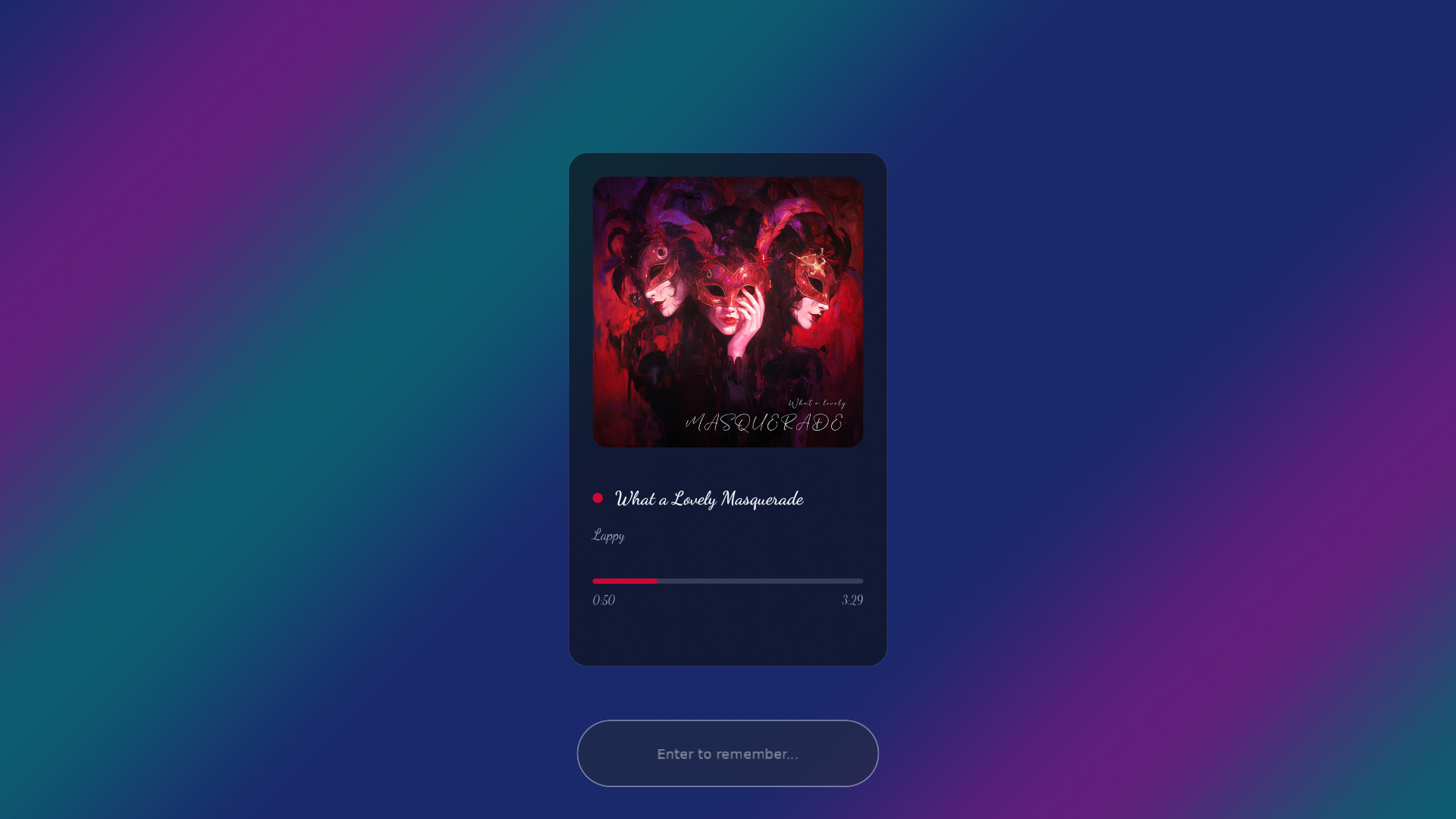
A glanceable now-playing card: album art, title and artist, progress bar. Read-only, from any MPRIS media player over D-Bus. No transport controls.
| key | type | default | meaning |
|---|---|---|---|
layout | string | `"compact"` | `compact` (a chip: cover + title/artist + progress) or `star` (a large centered cover with a blurred-cover backdrop). Only `star` is special-cased; any other value renders `compact`. |
fetch_remote_art | bool | `false` | Allow fetching `http(s)://` cover art (e.g. Spotify). Off = a locked screen makes no network request; `file://` covers still decode locally. |
One block of Pango markup with {variable} substitution, composited over the wallpaper. The dynamic styled-text widget: a clock, a greeting, a live system-info line.
| key | type | default | meaning |
|---|---|---|---|
text | string | a bold time + date block | The template: Pango `<span>` markup plus `{variable}` placeholders (see the token table below). Newlines allowed. |
text_color | [r,g,b,a] | `[1.0, 1.0, 1.0, 0.96]` | Base text fill. An inline `<span color=...>` in the markup overrides it per run. |
shadow_color | [r,g,b,a] | `[0.0, 0.0, 0.0, 0.45]` | Drop-shadow color. Alpha `0` = no shadow (bare text). |
bg_color | [r,g,b,a] | none | Optional chip behind the text. Omitted or fully transparent = bare markup. |
bg_radius | float | `0.5` | Chip corner radius as a fraction of the chip height (`0.5` = full capsule). |
bg_padding | float | `0.5` | Chip padding around the text, as a fraction of the font pixel size. |
One rounded, colored, alpha-blended rectangle filling its region: the backdrop/card primitive. Static, read-only, draws once. The veiland answer to hyprlock's shape block.
| key | type | default | meaning |
|---|---|---|---|
color | [r,g,b,a] | `[0.8, 0.643, 0.486, 1.0]` | Fill color of the rectangle (a warm tan by default). Alpha is the opacity, so a translucent value makes a tinted card over the wallpaper. There is no "off" — shape always paints its region. |
radius | float | `0.0` | Corner radius as a fraction of the region **height**. `0` = hard corners; an over-large value clamps to half the shorter side (a pill or circle). |
Wi-Fi signal-strength glyph in a small pill, with an optional SSID label. Live from NetworkManager; bucketed into five strength levels plus an off state.
| key | type | default | meaning |
|---|---|---|---|
pill_color | [r,g,b,a] | `[0.059, 0.071, 0.11, 0.686]` | Chip background behind the glyph. Alpha is the opacity; `[0, 0, 0, 0]` draws no chip (bare glyph). |
icon_color | [r,g,b,a] | white | Tints the monochrome glyph. Omit for the glyph's authored white. |
show_label | bool | `false` | Show the SSID next to the glyph. Off = icon-only pill. |
label_color | [r,g,b,a] | `[0.95, 0.95, 0.95, 1.0]` | SSID text color. Only the RGB is used; alpha does not hide it (use `show_label = false` for that). |
label_pos | string | `"bottom"` | Where the label sits relative to the glyph: `top`, `bottom`, `left`, or `right`. |
label_disconnected | string | `"N/A"` | Label text when there is no SSID (disconnected, radio off, or no device). Set to `""` to vanish the label and leave just the glyph. |
Wired-link status glyph in a small pill: up or down. Live from NetworkManager over the system D-Bus. Icon-only, no label.
| key | type | default | meaning |
|---|---|---|---|
pill_color | [r,g,b,a] | `[0.059, 0.071, 0.11, 0.686]` | Chip background behind the glyph. `[0, 0, 0, 0]` draws no chip. |
icon_color | [r,g,b,a] | white | Tints the glyph. Omit for white. |
Bluetooth status glyph in a small pill (off / on / connected), with an optional connected-device label. Live from bluez over the system D-Bus.
| key | type | default | meaning |
|---|---|---|---|
pill_color | [r,g,b,a] | `[0.059, 0.071, 0.11, 0.686]` | Chip background behind the glyph. `[0, 0, 0, 0]` draws no chip. |
icon_color | [r,g,b,a] | white | Tints the glyph. Omit for white. |
show_label | bool | `false` | Show the connected device name. Off = icon-only pill. |
label_color | [r,g,b,a] | `[0.95, 0.95, 0.95, 1.0]` | Label text color (RGB only; alpha does not hide it). |
label_pos | string | `"bottom"` | Label position relative to the glyph: `top`, `bottom`, `left`, or `right`. |
label_disconnected | string | `"N/A"` | Label text when nothing is connected. Set to `""` for glyph-only. |
Battery status drawn from bucketed SVG icons in a small pill, with an optional percent + charging-state label. Reads /sys/class/power_supply. The template for the status-icon pattern.
| key | type | default | meaning |
|---|---|---|---|
pill_color | [r,g,b,a] | `[0.059, 0.071, 0.11, 0.686]` | Chip background behind the glyph. `[0, 0, 0, 0]` draws no chip. |
icon_color | [r,g,b,a] | white | Tints the glyph. Omit for white. |
show_label | bool | `false` | Show the percent + state text (e.g. `64% Discharging`, or `AC` on a desktop with no battery). Off = icon-only pill. |
label_color | [r,g,b,a] | `[0.95, 0.95, 0.95, 1.0]` | Label text color (RGB only; alpha does not hide it). |
label_pos | string | `"bottom"` | Label position relative to the glyph: `top`, `bottom`, `left`, or `right`. |
every key is optional. misspelled keys are silently ignored; if a setting seems to do nothing, check the spelling against this table.
From the AUR. The package installs the binary and every reference plugin, and registers the PAM service. Nothing manual.
$ yay -S veiland # or: paru -S veiland
Flake module: binary, plugins, and PAM service in two lines of config.
# flake.nix
inputs.veiland.url = "github:sylflo/veiland";

# configuration.nix
imports = [ inputs.veiland.nixosModules.default ];
services.veiland.enable = true;
Just trying it out? nix run github:sylflo/veiland
Download the .deb from the latest release, built on and for Debian 13. PAM config is bundled.
$ sudo apt install ./veiland_*_amd64.debDownload the .rpm from the latest release. PAM config is bundled.
$ sudo dnf install ./veiland-*.x86_64.rpmLinux only. Needs pkg-config, Mesa (libgbm, libEGL, libGLESv2), libdrm, libpam, and a compositor implementing ext-session-lock-v1. A source build does not set up PAM; see PAM setup.
$ cargo build --release
$ nix develop   # optional: dev shell with the full toolchain
No config at all renders the built-in raymarched tunnel, the scene in the hero above. To make it yours, start from any gallery scene:
$ mkdir -p ~/.config/veiland
$ cp /usr/share/veiland/examples/sakura.toml ~/.config/veiland/config.toml
$ veiland
Bind that last command to a key, or to hypridle / swayidle.
A plugin connects over a Unix socket, renders into a GPU buffer, and hands the locker a file descriptor. That's the whole contract, documented in the protocol reference and not tied to Rust. Drop your binary next to your config, point a [[plugin]] block at it, done. No fork, no upstream PR, no rebuild of the locker.
let mut conn = Connection::connect("my-plugin", VERSION)?;
let cfg = conn.wait_for_configure()?.unwrap();
let gbm = GbmEgl::new()?;
let mut dma = DmaBuffer::new(&gbm, cfg.region_w, cfg.region_h)?;
let mut pacer = FramePacer::self_paced();
loop {
    match pacer.next(&mut conn)? {
        Frame::Render => {
            // draw into the DMA-BUF with your own GL…
            conn.submit_frame(&dma, &gbm)?;
            pacer.submitted();
        }
        Frame::Reconfigure(c) => dma.resize_or_keep(&gbm, c.region_w, c.region_h, "my-plugin"),
        Frame::Shutdown => return Ok(()),
    }
}