wallpaper a single image
Displays one JPEG or PNG, stretched to fill its region. Any failure logs the reason and renders solid black. A wrong path never breaks the lock.
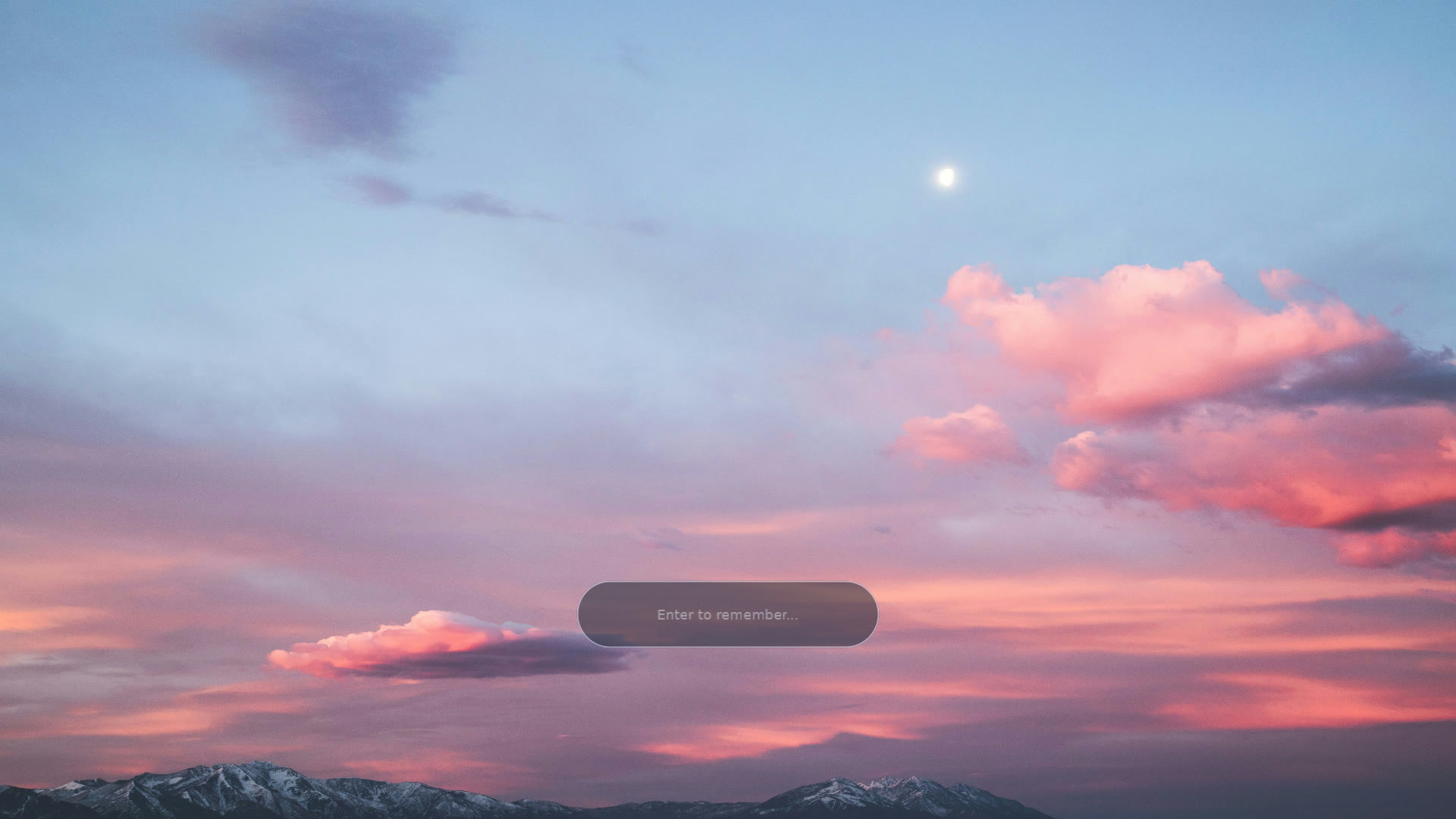
The image is stretched to the region with no cover or contain modes, so pick an image matching your monitor's aspect ratio. Decoding runs on a worker thread; the first frames may be black before the image pops in.
Remember the pitfall from configuration: asset paths get no ~
or $HOME expansion, so always give a full absolute path.
Blur and frosted cards
blur blurs the entire surface; darken dims it. Both are free when left at 0 —
the ping-pong blur path is only built when blur > 0. This is how you get a
frosted-glass backdrop: blur the wallpaper, then place your clock and widgets on top.
blur_regions layers "cards" on that blurred base — rounded rectangles that get an
extra darken so they read as distinct panels behind a widget. Blur is not gated by the
regions: the whole surface is blurred when blur > 0, and each region only adds its
per-card tint. Every region field is a fraction of the surface (0.0–1.0), so
one config looks the same on any monitor:
| Region key | Type | Default | Meaning |
|---|---|---|---|
x, y | float | 0.0 | Top-left corner of the card. y is measured from the top. |
w, h | float | 0.0 | Card width and height. |
radius | float | 0.0 | Corner radius, as a fraction of surface height (so corners stay circular, not elliptical). 0 = hard corners; an over-large value clamps to a pill/circle. |
darken | float | inherits darken | Per-card dim (0.0–1.0). Omit to inherit the global darken; set it to make a card read as a card over the surrounding blur. |
[plugin.config]
path = "/home/you/wall.jpg"
blur = 10
darken = 0.2
blur_regions = [
  { x = 0.06, y = 0.30, w = 0.28, h = 0.40, radius = 0.03, darken = 0.45 },
]
The aurora-dashboard.toml
and deepfield.toml
scenes use these keys.
Properties
| key | type | default | meaning |
|---|---|---|---|
path | string | `""` | Absolute path to the image (no `~` expansion). JPEG/PNG, detected by content. |
blur | float | `0.0` | Gaussian blur strength over the whole surface. `0` is off and a hard no-op (the blur path is skipped entirely, so a plain wallpaper pays nothing). Rounded and clamped to `0`–`20` passes; values below `0.5` round to off. |
darken | float | `0.0` | Base dim (`0.0`–`1.0`) applied everywhere on top of the (possibly blurred) image. `0` = no dimming. Also the default per-region darken for any `blur_regions` entry that omits its own. |
blur_regions | array of tables | `[]` | Frosted "cards": rounded rectangles that add an extra tint on top of the globally blurred base. Each entry is `{ x, y, w, h, radius, darken }` (see below). Empty = just the global blur/darken. Up to 10; extras are dropped with a log. |
every key is optional; omit it and the default applies. misspelled keys are silently ignored, so if a setting seems to do nothing, check the spelling against this table. colors are 0.0–1.0 float arrays.